
Talk to your app's users, inside your app
One Swift package adds a feedback button, support chat with push notifications, and an App Store review prompt that only asks happy users. Everything lands in your SeggWat dashboard.
SwiftUI, iOS 16+No dependenciesWorks without a backend
A few lines in your App struct
Add the Swift package, configure it with your project key, and attach the feedback button to your root view. Or paste the setup prompt from your SeggWat settings into Claude Code or Cursor and let it wire everything up, push notifications included.
// Package: https://github.com/SeggWat/ios-sdk-seggwat.git
import SeggWatSDK

SeggWat.configure(projectKey: "YOUR_KEY", options: SeggWatOptions(
    reviewPrompt: ReviewPromptOptions()
))
SeggWat.enableAnonymousChat()        // or setChatToken(_:) from your backend
SeggWat.enablePushNotifications()

ContentView().seggwatFeedbackButton()Answer users where they got stuck
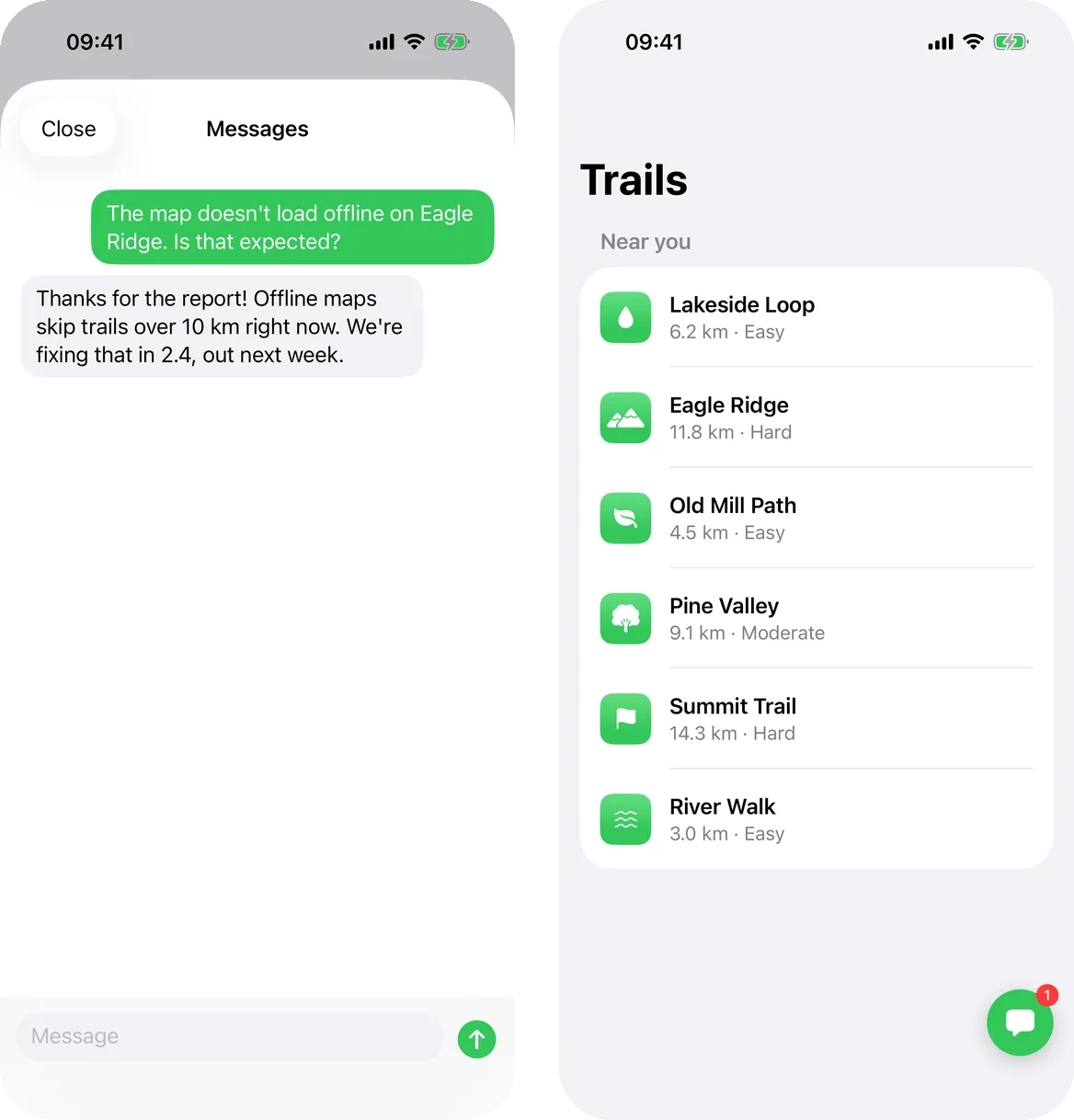
Users message your team from the feedback button or your own Help screen. You reply from the dashboard, and the reply shows up live while the chat is open.
Live replies
Replies stream into the open chat; the button shows an unread badge otherwise.
With or without a backend
Mint a signed token for signed-in users, or turn on anonymous chat for apps without accounts.
Spam protection with App Attest
Add your Apple Team ID and only genuine installs on real devices can chat.
Fits your app
Your button color, in English, German and Swedish, following the device language.
Replies reach users who already left
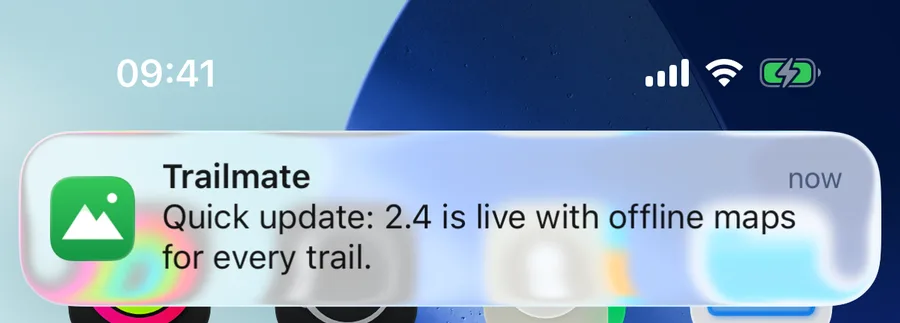
If the user isn't looking at the chat, SeggWat waits ten seconds and then pushes your reply to their iPhone. Tapping it opens the conversation.
Sent from your app
Uses your own APNs key, titled with your project name.
Asks at the right time
Permission is requested after the user's first message, never at launch.
No double alerts
Seen in the open chat means no push.
Follows sign-in
Signing out stops pushes to that device.
Happy users review, unhappy ones talk to you
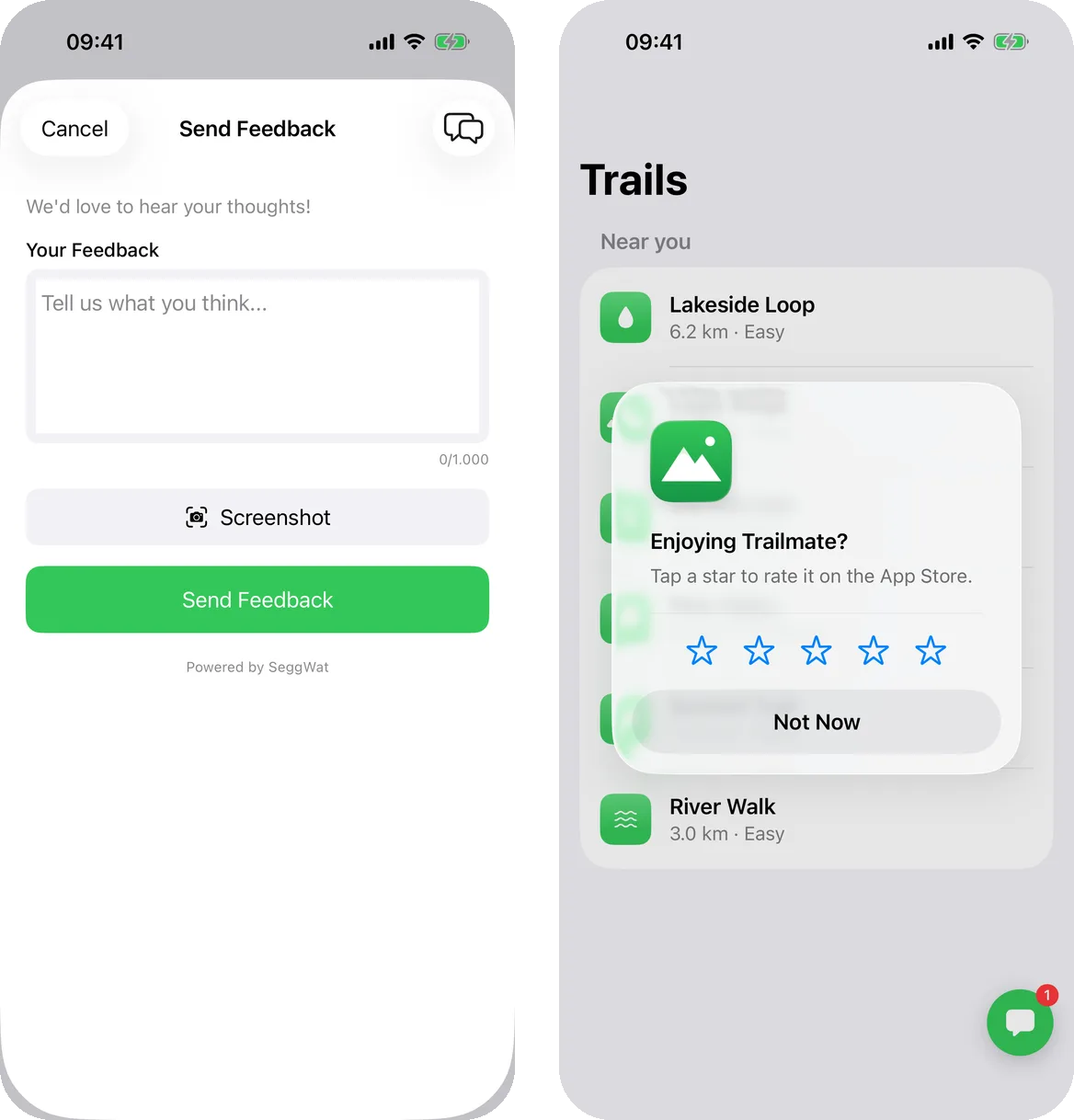
Send a star or NPS rating through the SDK. High scores get Apple's App Store review dialog; low scores open the feedback form, so a complaint becomes a conversation instead of a one-star review.
Thresholds default to 4 stars and NPS 9, and are configurable. Helpful (thumbs) ratings never prompt.
iOS SDK FAQ
Do I need a backend to use chat?
No. Turn on anonymous chat and call SeggWat.enableAnonymousChat(): each install gets its own conversation. Apps with accounts mint a short-lived token on their backend instead, so the conversation follows the user across devices.
How do I stop spam in anonymous chat?
Enter your Apple Team ID in the project settings. SeggWat then uses Apple's App Attest to accept chat only from genuine installs of your app on real devices. No code changes needed.
Whose name is on the push notifications?
Yours. Pushes are sent with your own APNs key, so they come from your app, titled with your project name.
Does the review prompt break Apple's rules?
No. The SDK uses Apple's own review dialog and only decides when to ask: after a high rating. Apple still limits how often it appears.
Which iOS versions are supported?
iOS 16 and later, with Swift 5.9 or later. The SDK is a Swift package with no third-party dependencies.
What does it cost?
The SDK is free. Feedback and ratings work on every SeggWat plan; support chat and push notifications need the Pro plan.
Add it to your app this afternoon
The guide walks through install, chat, push and the review prompt step by step.